The keypad, or alarm panel, is an important part of a security alarm system. When I first got started building mine — I settled for a cheap and simple Zigbee keypad.
I’ve since replaced it with a better, and more advanced device. Let’s have a look…
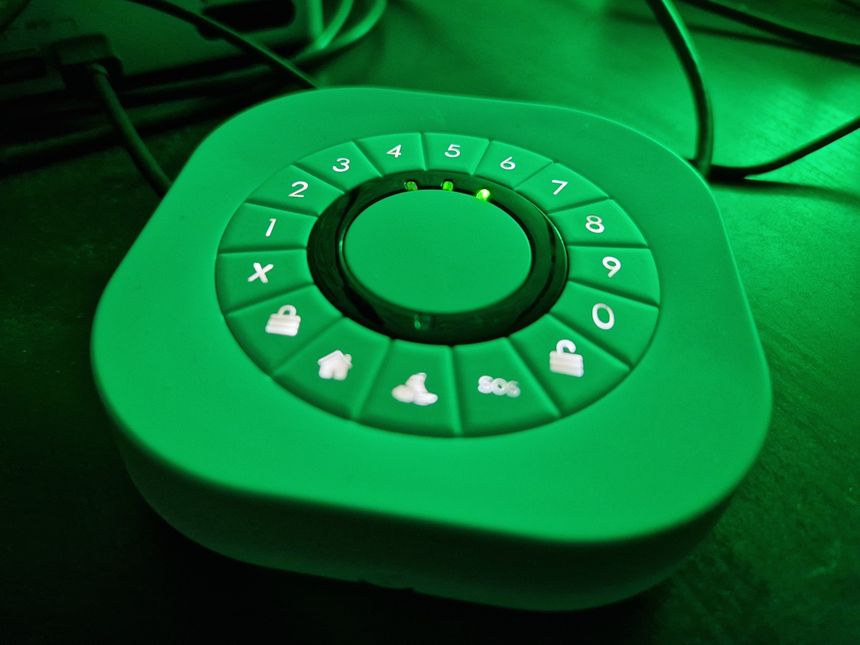
The keypad, or alarm panel, is an important part of a security alarm system. When I first got started building mine — I settled for a cheap and simple Zigbee keypad.
I’ve since replaced it with a better, and more advanced device. Let’s have a look…
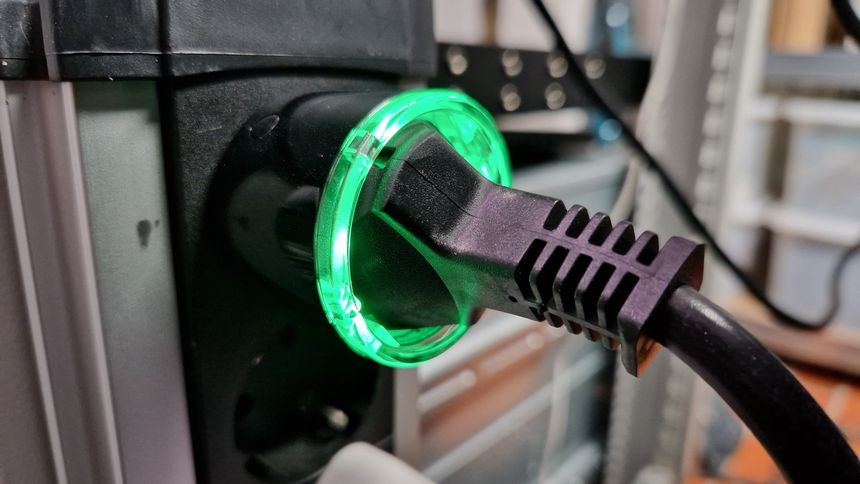
I’m using a Shelly Plus Plug S smart plug to measure the power usage of my homelab. I added it as a device in Home Assistant — and the power readings began! Kind of…
Within a few days; I noticed something strange with the graph history — there were long periods of time where the graph was completely flat. Logging into the Shelly web interface, I could see the watt reading changing — without this being reflected in Home Assistant.
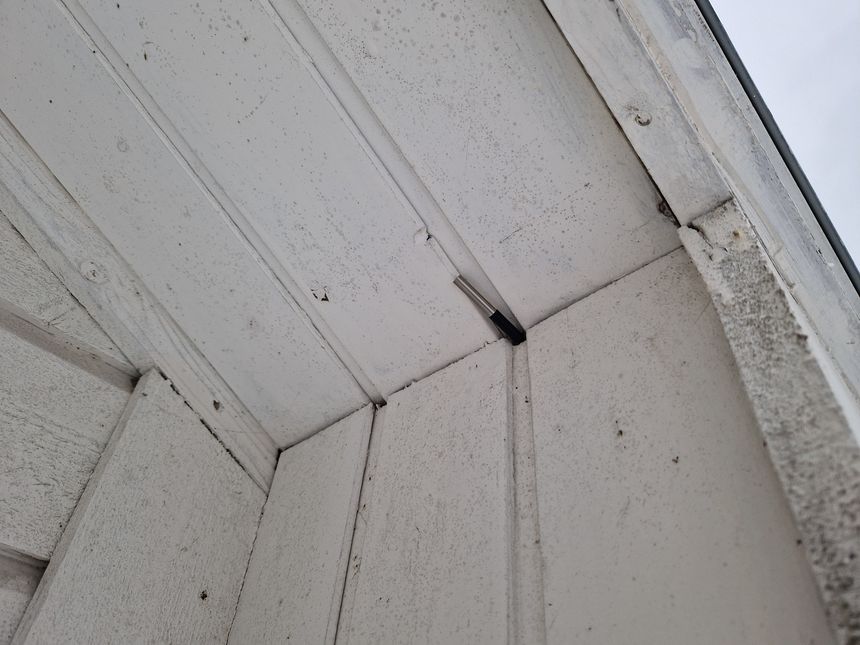
We have a Dakboard digital calendar in our kitchen — showing lots of house and temperature data. So naturally; it must show the actual outdoor temperature as well.
To do this I used a Raspberry Pi 2, and a DS18B20 HAT I made some years back.
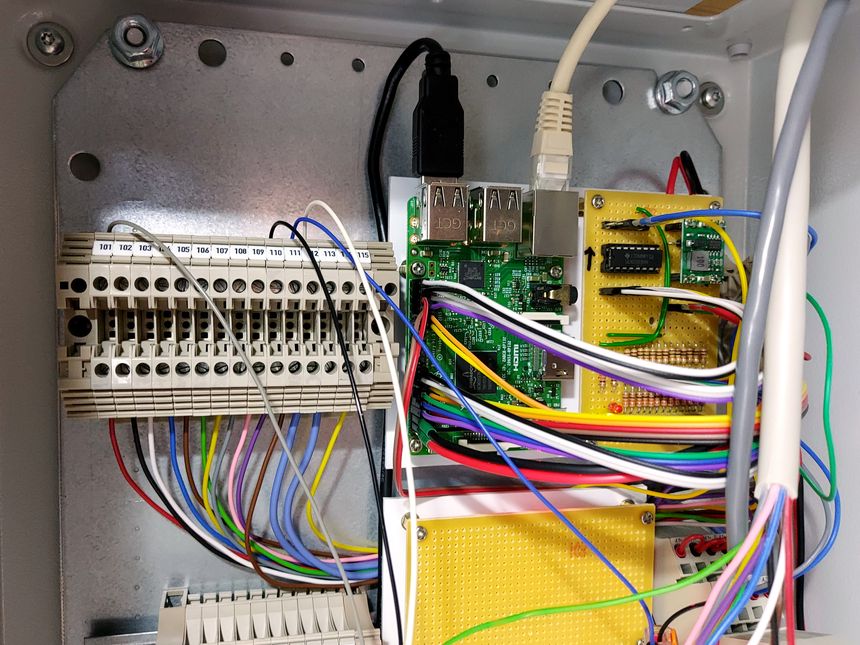
In November last year — I started building a DIY security alarm system, using a Raspberry Pi as the controller. My plan was to make a self-sustained system, using proper alarm hardware — like PIR sensors and sirens.
Integration with Home Assistant would be an add-on, not a requirement. I wanted the system to be as redundant and fault-tolerant as I could make it.
This is a pretty long story, with some twists and turns — let’s get into it 👇
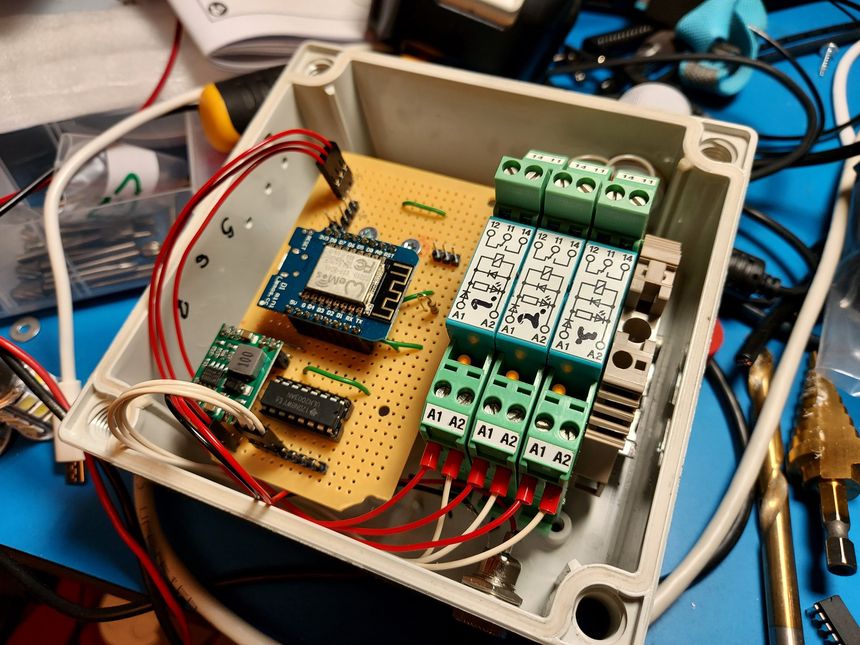
We recently got balanced ventilation installed, and I have interfaced it with Home Assistant. However — the ventilation unit have three “special modes” that can not be enabled through the Modbus interface; fireplace, kitchen, and override. These can only be set on the touch panel, mobile app, or through inputs terminals on the controller.
So I repurposed an old project and made a three-relay Wi-Fi controlled module, using MQTT to send commands and receive statuses.
Then used Home Assistant to automate it 🙂