The keypad, or alarm panel, is an important part of a security alarm system. When I first got started building mine — I settled for a cheap and simple Zigbee keypad.
I’ve since replaced it with a better, and more advanced device. Let’s have a look…
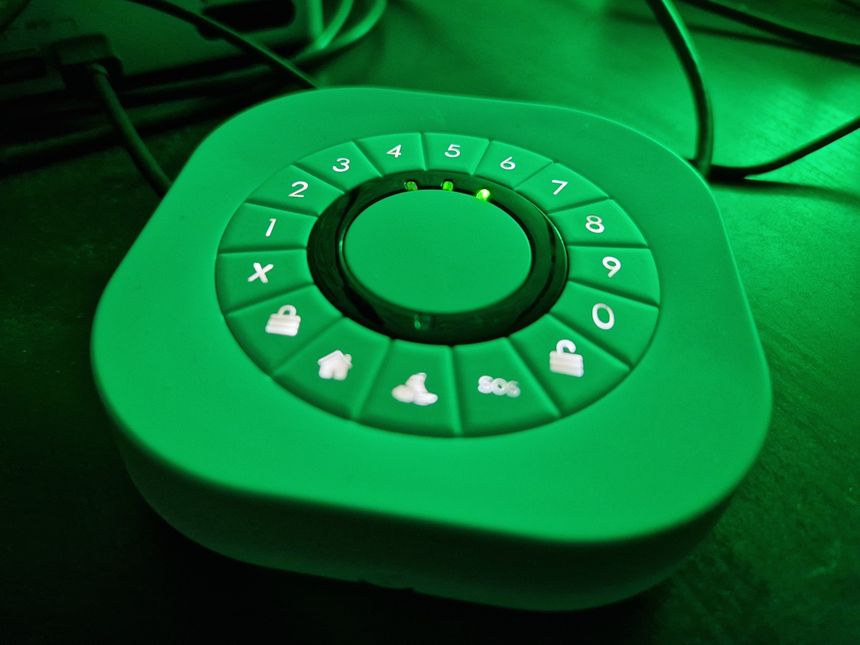
The keypad, or alarm panel, is an important part of a security alarm system. When I first got started building mine — I settled for a cheap and simple Zigbee keypad.
I’ve since replaced it with a better, and more advanced device. Let’s have a look…

Quick recap: I’m building a DIY security alarm using a Raspberry Pi, hardwired PIR sensors, and MQTT integration with Home Assistant.
Hello again — it seems to be close to a year since I last managed to get some words published on this blog. And almost three years since I last wrote about my Raspberry Pi security alarm project 😮
But the project is still alive and well. We use it every night and whenever we are away, and it just works 😃 Development usually happens in bulk, with very little happening in between.
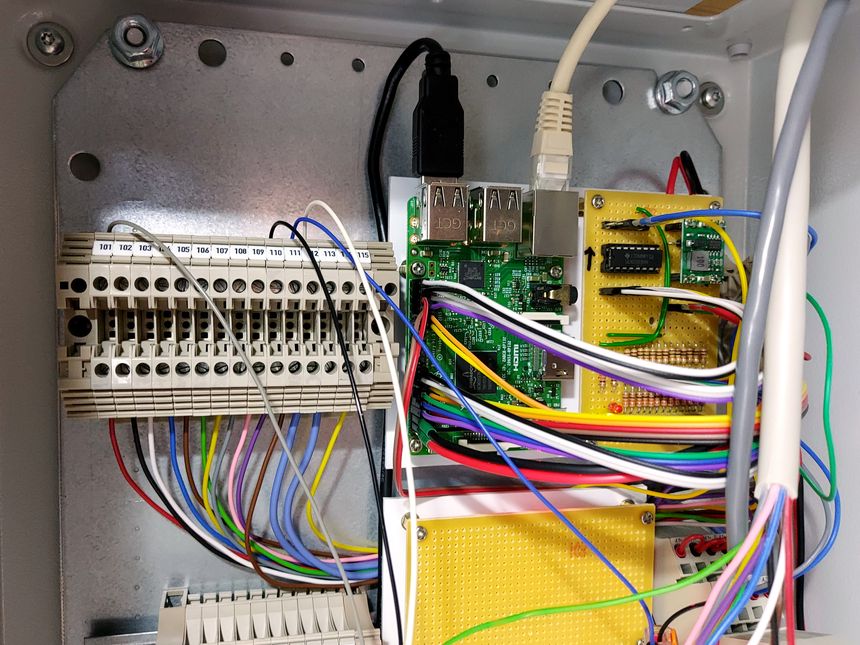
In November last year — I started building a DIY security alarm system, using a Raspberry Pi as the controller. My plan was to make a self-sustained system, using proper alarm hardware — like PIR sensors and sirens.
Integration with Home Assistant would be an add-on, not a requirement. I wanted the system to be as redundant and fault-tolerant as I could make it.
This is a pretty long story, with some twists and turns — let’s get into it 👇

Using a few cheap sensors, a wireless keypad, Zigbee2MQTT and Home Assistant; I was able to get a basic security alarm up and running during a free afternoon 🙂

Portal alarm box unit, my main project on technical college.